
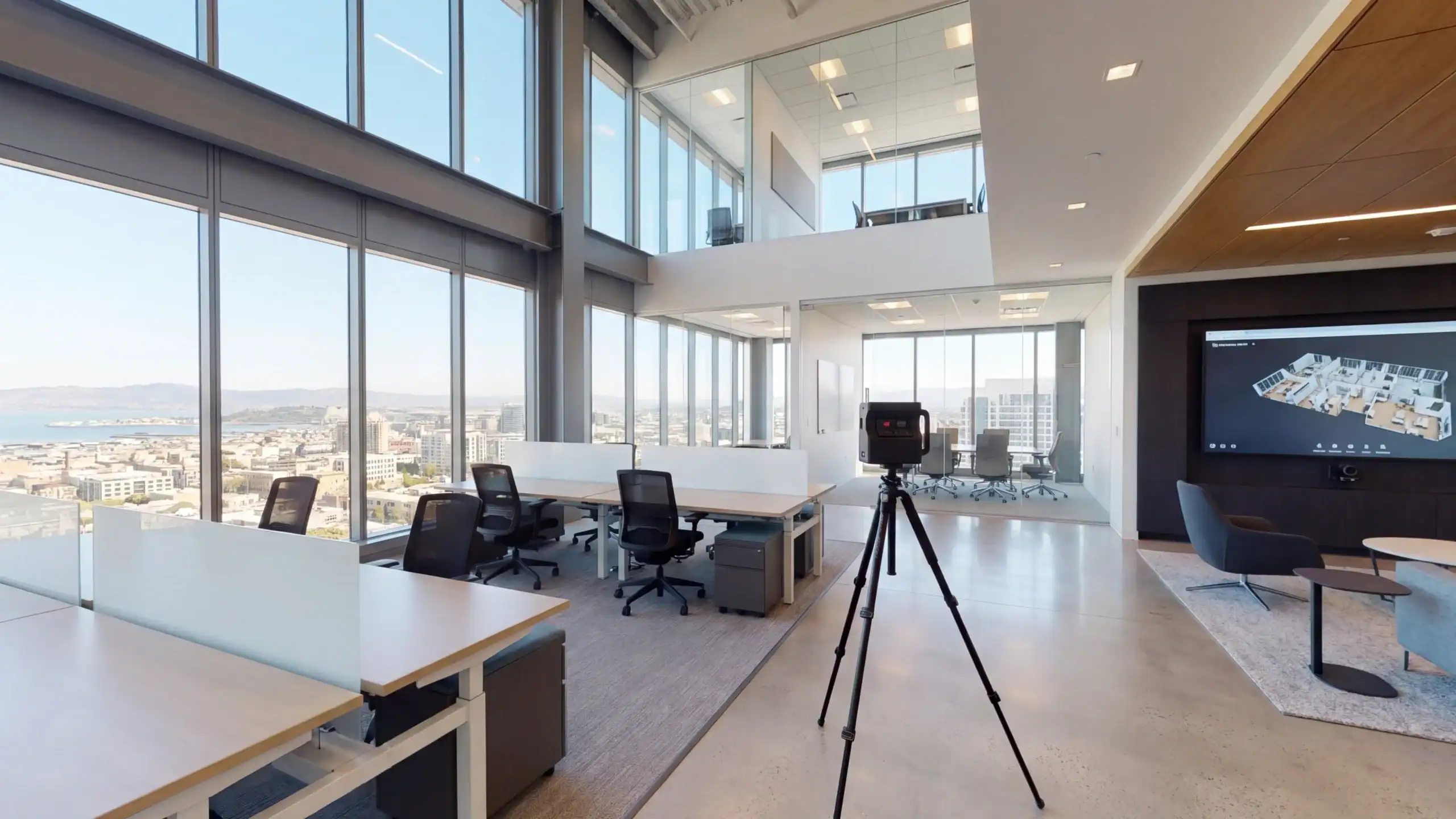
Commercial leasing slows down when the people who sign the lease can’t easily see the space. A tenant’s operations lead may be in Oakland, the CFO in Sacramento, and the tenant rep somewhere else entirely. Each extra site visit adds days to a decision that already runs long.
Matterport for commercial property leasing works best as a qualification tool: a measurable 3D tour lets every decision-maker on the tenant side walk the suite remotely, check layout and fit, and arrive at an in-person showing already shortlisted. Matterport reports that digital twins helped one commercial marketing firm’s clients accelerate sales and lease processes by weeks. Results vary by property and market, so plan the tour around the decisions your prospects need to make.
Immersive 3D Virtual Tours captures commercial spaces across Sacramento, the Bay Area, and Northern California with a Matterport Pro3 LiDAR camera. The team has completed more than 150 Matterport 3D projects. If you have a suite, floor, or building coming to market, reach out to talk through which tour and deliverables fit your next lease-up.
Key Takeaways
- A 3D tour helps prospects screen a space before anyone books a showing.
- Ask for the specific deliverables your tenants and brokers will use, and verify critical dimensions on site.
- Price depends on square footage, detail level, hosting, and add-ons, so compare full scopes.
How Do Virtual Walkthroughs Help Qualify Prospective Tenants?
A virtual walkthrough lets prospects rule a space in or out before they spend time on a site visit. In commercial real estate, that means fewer wasted showings and better-informed inquiries. Prospects can judge room flow and suite size on their own, share the link with colleagues in other cities, and come to the property with sharper questions.
Assess Layout, Circulation, and Fit Before an Inspection
Your prospects want to know one thing early: will their team and equipment fit? A Matterport tour answers much of that in a few minutes.
With 3D virtual tours, viewers can:
- Move room by room through private offices, open work areas, and conference rooms.
- Use the dollhouse view to see how the whole suite connects.
- Check rough measurements for workstations, racking, or furniture.
- See finishes, lighting, restrooms, and build-out quality.
Matterport describes this as letting renters self-qualify without booking an in-person showing. That guidance comes from multifamily leasing, and the same idea applies to an office or retail suite. A tenant who finds the layout wrong for their workflow drops out early, and your calendar stays open for serious prospects.
Share the Space with Remote Decision-Makers

Commercial deals rarely have one decision-maker. A business owner, an operations lead, a broker, and sometimes a corporate committee all weigh in.
Getting everyone to the same Bay Area suite on the same afternoon is hard. A tour link fixes that. Each stakeholder explores the space when it suits them, from any supported device.
This helps most with:
- Out-of-area tenants relocating to Sacramento or San Francisco.
- Corporate approvals where a regional manager needs sign-off from headquarters.
- Multi-suite buildings where you want to show several units without a walk-through for each.
Corporate tenants with many locations often use the same digital twins for portfolio planning, which is why Matterport for corporate real estate extends well past a single lease.
Focus In-Person Visits on Shortlisted Properties
The goal is to keep in-person visits, and make each one count. When a prospect has already walked the space online, the visit turns into a working session.
Instead of asking where the break room is, they ask about HVAC capacity, signage rights, or tenant improvement allowances. Your broker spends less time giving basic tours and more time moving deals forward.
Immersive media also keeps the property “open” outside business hours. A prospect reviewing options on a Sunday night can still walk your suite and send an inquiry by Monday.
Which Deliverables Should a Leasing Team Request?
Request the deliverables your prospects and brokers will open, and skip the ones nobody uses. Most leasing teams need an interactive tour plus a floor plan, while design-heavy deals may call for measurement data or 3D files. Everything else gets confirmed on site.
Interactive Tours and Digital Twins: What Each Provides
The interactive tour is the shareable walkthrough. It is your marketing asset: a link or embed that lets prospects explore the space room by room.
A digital twin is the same captured model used as a data record. Matterport describes digital twins as tools that support leases, cost control, utilization, risk, and capital planning across a portfolio.
In practice, one LiDAR scan produces both. The difference is how you use it:
| Use | Who uses it | What they need |
|---|---|---|
| Marketing tour | Prospects, tenant reps | Clean starting view, easy navigation |
| Planning model | Space planners, architects | Measurements, spatial data |
| Records | Property managers | Dated condition record |
Tell your provider which uses matter most so the capture and setup match.
Floor Plans, Measurements, and Optional 3D Assets
3D floor plans and 2D schematic plans help tenants picture furniture and headcount. Space planners use them to sketch early test fits.
Common add-ons to ask about:
- Schematic floor plans for listings and leasing packages.
- Measurement tools inside the tour for quick dimension checks.
- Downloadable 3D files, such as point clouds, for architects and contractors.
- Tags that note features like electrical panels or HVAC units.
Matterport points to one CRE firm that tags HVAC units, service panels, and electrical meters inside its digital twins. Notes like these answer common tenant questions before they reach your inbox.
What Still Requires On-Site Verification?
A tour supports decisions. It does not replace professional checks.
Verify these on site or with a licensed professional:
- Rentable and usable square footage for lease documents.
- Critical dimensions that affect construction or equipment installs.
- Code and accessibility items, such as exits and ADA clearances.
- Systems capacity, including power, HVAC, and plumbing.
- Current conditions, since the tour shows the space on its capture date.
Add a short note to your listing with the capture date and any areas left out. That keeps expectations accurate.
Matterport for Commercial Property Leasing: What Does a Capture Project Involve?
A commercial capture project has three phases: planning coverage, preparing the space, and scanning plus processing. Good planning shapes the final tour more than any camera setting. Property managers who settle scope and access ahead of time get a cleaner model and a faster delivery.
Define Coverage Around Tenant Evaluation Needs
Start with what a prospect needs to see to make a decision. That sets your scan list.
For most leasing tours, include:
- The building entrance, lobby, and elevator path.
- The full available suite, including back-of-house rooms.
- Shared amenities such as restrooms, kitchens, or rooftop areas.
- Parking or loading access, if it affects the tenant’s choice.
Retail prospects care about storefront and frontage. Industrial tenants focus on clear height, dock doors, and column spacing. Office tenants care about natural light and meeting rooms. Scope the scan so those features are easy to find.
Prepare Occupied Spaces, Access, and Sensitive Areas
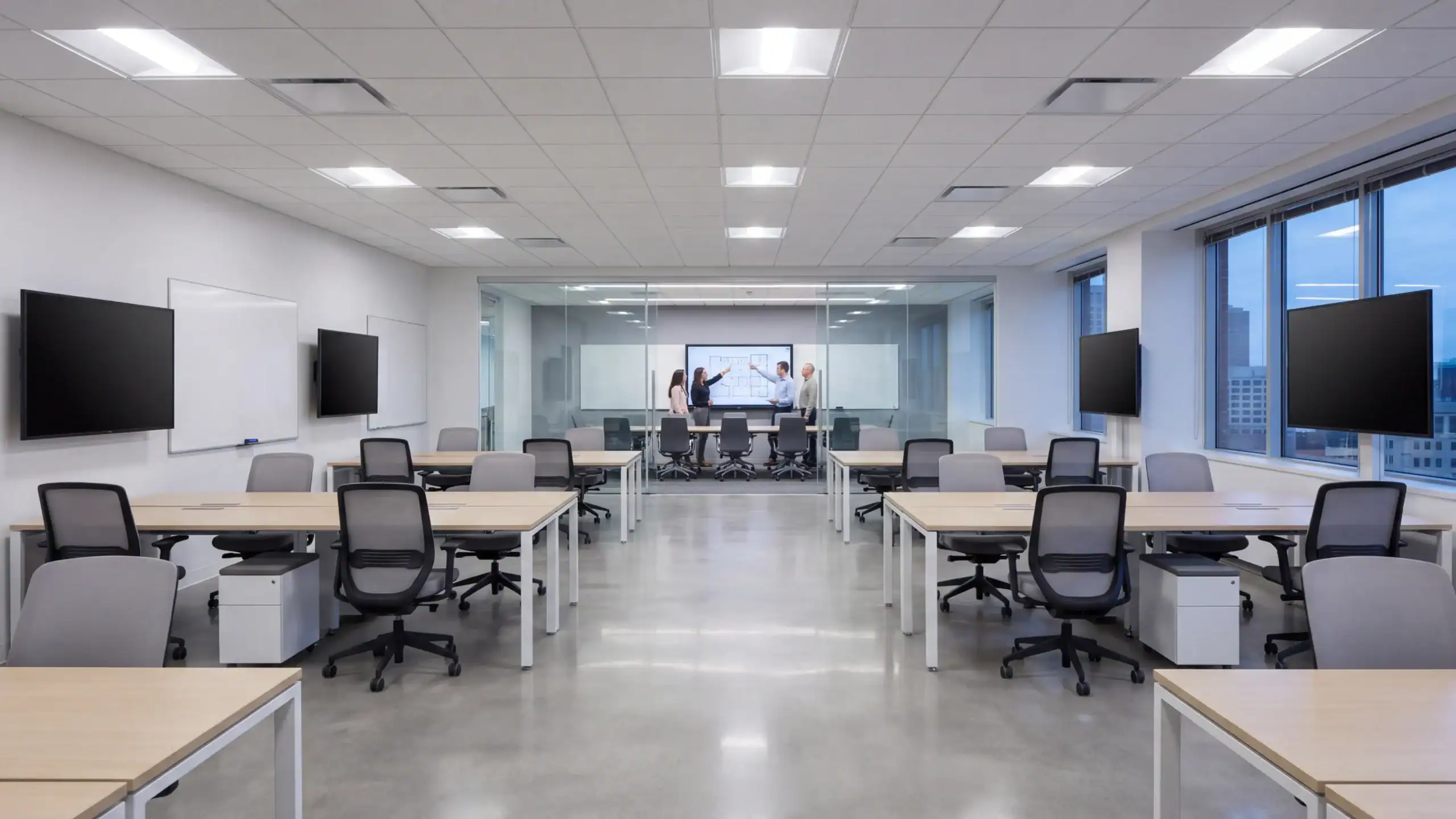
Preparation keeps the tour accurate and protects private information.
Before scan day:
- Confirm access to every room, including mechanical and storage spaces.
- Clear walkways of boxes, carts, and loose cables.
- Remove sensitive items like paperwork, whiteboard notes, and visible screens.
- Turn on all lights and keep them consistent through the scan.
- Agree on excluded areas with current tenants and building management.
- Schedule a quiet window, such as early morning or after hours, in occupied buildings.
Coordinate security sign-in, parking, and freight elevator use with building staff. That avoids delays once the crew arrives.
From Pro3 LiDAR Capture to Typical 12–24-Hour Delivery
Immersive 3D Virtual Tours follows a four-step process: capture, process, deliver, and impress.
| Step | What happens | Typical time |
|---|---|---|
| Capture | On-site scan with a Matterport Pro3 LiDAR camera | 2–4 hours |
| Process | Scan becomes a precise 3D model | About 6 hours |
| Deliver | Interactive tour ready to share | 12–24 hours total |
The Matterport Pro camera line uses LiDAR to record spatial data and precise measurements alongside the images. For corporate real estate work, the team cites a 12-hour average turnaround. Large or complex buildings take longer, so confirm timing for your specific site.
What Determines Cost, and How Should You Compare Providers?
Cost comes down to the size of the space, how detailed the scan must be, hosting, and any add-ons. Two quotes for the same commercial real estate listing can look different because they cover different scopes. Compare full packages, including what happens after delivery.
Square Footage, Complexity, and Required Scan Detail
Square footage is the main pricing driver. A small retail suite takes far less time than a multi-floor office building.
Other factors that raise the price:
- Commercial vs. residential: commercial projects often need more scan detail.
- Complex layouts: many small rooms, glass walls, or several floors.
- Construction documentation: more capture points for accurate measurements.
Immersive 3D Virtual Tours prices by the scanned model’s square footage and project type, so a quote reflects your property’s details.
Hosting, Add-Ons, and Updates After Fit-Out Changes
The scan is one cost. Keeping the tour online is another.
Matterport runs on a subscription model, and its published plan pricing covers hosting for active spaces. With Immersive 3D Virtual Tours, hosting for spaces over 20,000 square feet can add charges.
Plan for:
- Ongoing hosting for as long as the listing is live.
- Add-ons like floor plans or 3D files.
- Rescans after a tenant improvement or new build-out changes the space.
A suite that gets new finishes before lease-up may need a fresh scan so the tour matches what prospects will see.
Questions to Ask About Deliverables, Access, and Ongoing Fees
Use these questions to compare providers fairly:
- Which deliverables are included, and which cost extra?
- Who owns the model, and can it move to your own Matterport account?
- How long is hosting included, and what does it cost after that?
- What camera and capture method will you use?
- How do you handle occupied spaces and restricted areas?
- What is the typical turnaround for a space this size?
- Are you a Matterport Service Partner with certified photographers?
Immersive 3D Virtual Tours is a Matterport Service Partner with certified Matterport photographers. For a closer look at scope, see how commercial Matterport scanning projects are set up.
How Can Teams Put the Finished Tour to Work?
A finished tour earns its value when you put it everywhere a prospect looks. The same 3D virtual tour works for marketing, tracking leads, and later for property management or property sales.
Share Tours Through Listings, Leasing Packages, and Outreach
One link travels far. Add it to:
- Listing pages and your property website.
- Leasing packages and offering memorandums.
- Email outreach to tenant reps and brokers.
- Pitch decks and stakeholder presentations.
- LinkedIn posts about available space.
Place the tour near the top of each listing so prospects find it fast. Pair it with photos and a floor plan for a complete package.
Track Qualified Inquiries and Progress Toward Lease Decisions
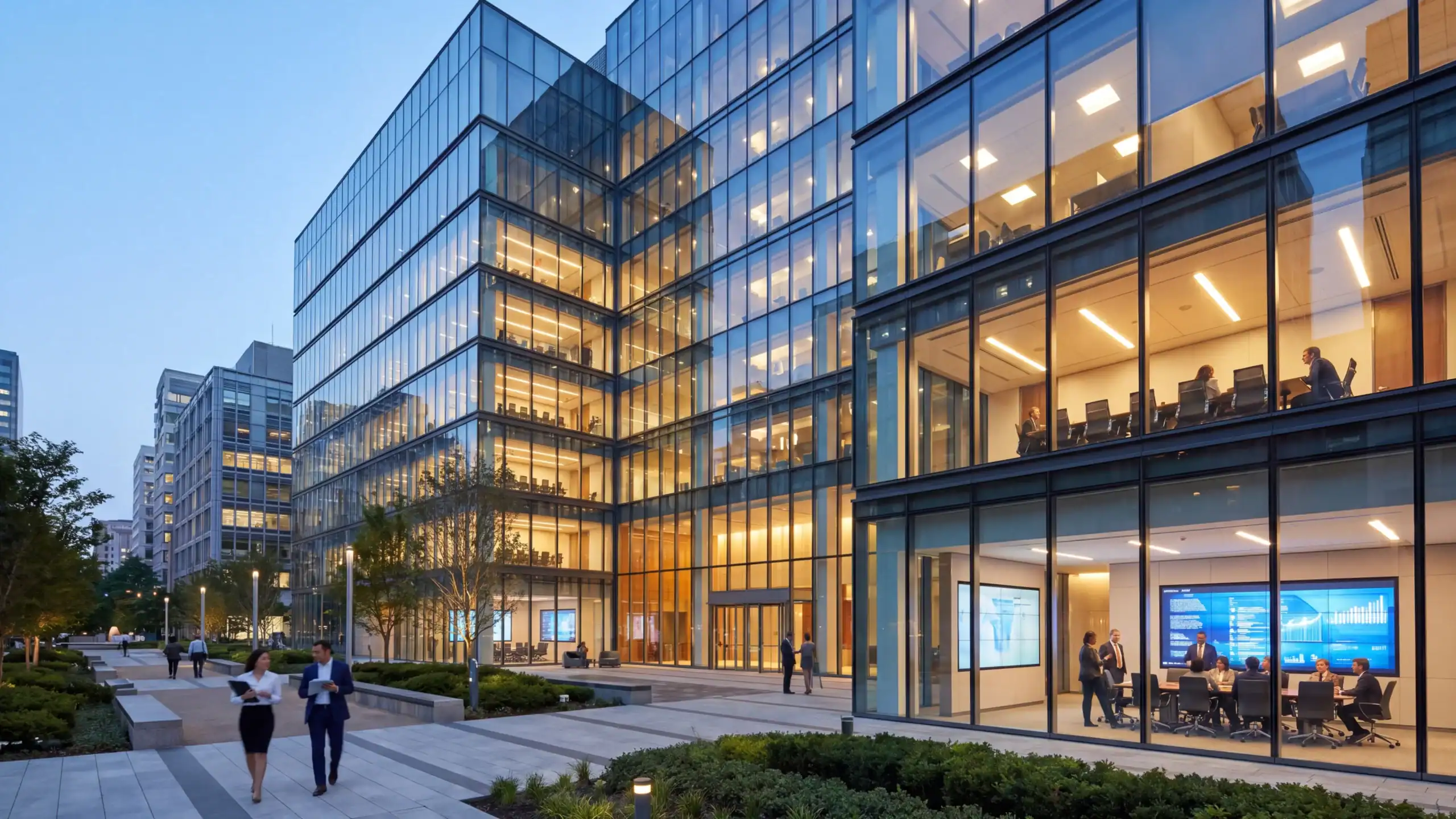
Views alone don’t prove interest. Track what happens after someone opens the tour.
Useful signals include:
- Inquiries that mention specific rooms or features.
- Repeat visits from the same prospect or brokerage.
- Requests for a showing after a tour view.
- Time from first inquiry to letter of intent.
Ask brokers to note whether a prospect viewed the tour before calling. Over a few listings, you’ll see whether tours are bringing in better-qualified leads for your buildings.
Reuse Digital Twins for Property Management and Future Property Sales
The scan keeps working after the lease is signed. Property managers use digital twins for remote site checks, maintenance planning, and space planning.
Matterport reports that one CRE services firm helped property managers reach up to 65 percent in cost and time savings with digital twins. A dated scan also records conditions at move-in, which helps at turnover.
When the building goes to market for property sales, buyers and lenders can review the same model remotely.
Plan a Leasing Tour Around Your Next Tenant’s Decision
Build your tour around the decisions your next tenant has to make. Start by asking what that tenant needs to see, measure, and share with their team.
Then work backward:
- Pick coverage that shows the suite, the path in, and shared amenities.
- Request the deliverables your brokers and planners will use.
- Prepare the space so it reads clearly and protects private details.
- Confirm hosting, update plans, and model ownership before you sign.
- Verify lease and construction dimensions on site.
In commercial real estate across Sacramento and the Bay Area, a well-planned Matterport tour shortens the screening stage and keeps showings focused on serious prospects. Give your provider the address, square footage, target tenant type, and access limits, and you’ll get a quote that fits your listing.
Frequently Asked Questions
What is a Matterport tour, and how does it differ from a 360-degree photo tour?
A Matterport tour is a 3D model you can walk through, with a dollhouse view and measurements. A basic 360-degree photo tour links flat panoramas without the same spatial data. For commercial real estate, the measurements and layout view help tenants judge fit.
How much does a Matterport tour for a commercial lease listing cost?
Cost depends on square footage, scan detail, hosting, and add-ons like floor plans. Commercial projects often cost more than residential because they need more detail. Ask for a quote based on your property’s size and the deliverables you need.
Should I hire a capture provider or buy a Matterport camera?
Hiring a provider makes sense for most leasing teams with occasional listings. Buying a camera means paying for gear, a Matterport subscription, and staff training. Owning equipment fits teams that scan many spaces each month.
Can an occupied commercial property be scanned without disrupting tenants?
Yes, with planning. Schedule the scan during quiet hours, agree on excluded areas, and clear sensitive items beforehand. On-site capture usually takes 2–4 hours, so disruption stays limited.
Can I embed the tour on my website and share it with tenant representatives?
Yes. 3D virtual tours come with a shareable link and can be embedded on websites and listing pages. You can also send the link by email or include it in leasing packages.