

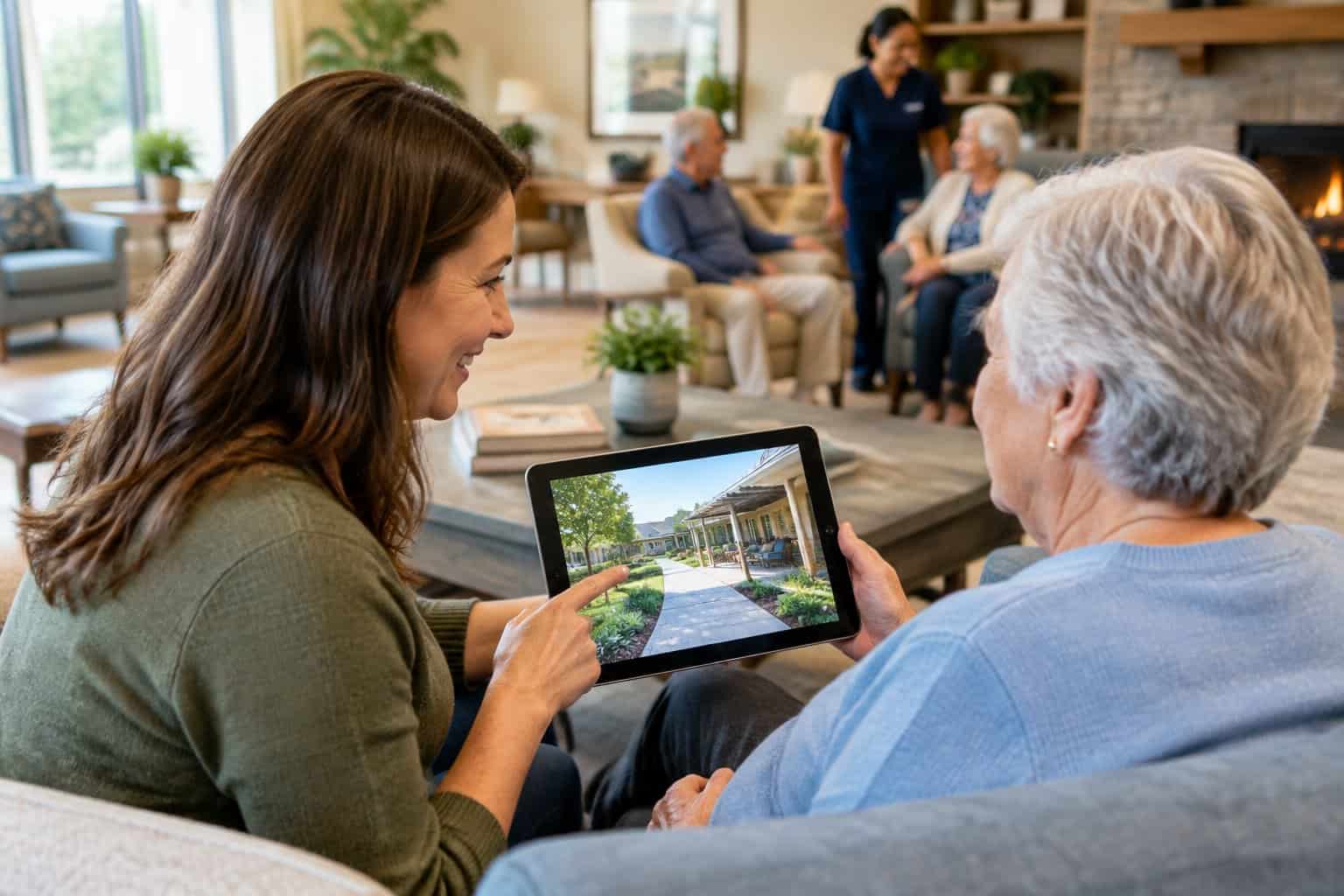
Families comparing senior living communities often start online, long before anyone schedules a visit. A remote tour that shows how apartments, hallways, dining rooms, and gardens connect gives your prospects a clearer starting point. It also gives your leasing team a shared reference for every follow-up call.

AI-generated illustrative image; not an actual client property or resident.
A navigable Matterport 3D tour is one option for senior living virtual tours: it lets families explore captured room connections at their own pace, while photos and videos provide complementary context. The right purchase also depends on planning: what you capture, how you protect residents, and who can access the finished tour.
Families should also visit communities in person and confirm care, staffing, and licensing details. A good tour helps them arrive at that visit with sharper questions.
Key Takeaways
- Navigable 3D tours show room connections better than photos or video alone.
- Privacy, consent, and dignity planning must come before any camera arrives.
- Ask providers clear questions about deliverables, hosting, and update costs.
Senior Living Virtual Tours: Choosing the Right Format
AI-generated illustrative image; not an actual client property or resident.
A navigable 3D tour gives viewers the most control, while photos and video each serve a narrower job. Most communities get the best results by pairing a 3D tour with a small set of strong photos and one short guided video.
| Format | Best use | Viewer control | Shows room connections |
|---|---|---|---|
| Standard photography | Quick first look | None | Weak |
| Video walkthrough | Guided story | Low | Partial |
| Matterport 3D tour | Self-directed exploration | High | Strong |
Standard Photography for a Quick Visual Overview
Photos load fast and work well on listing pages, brochures, and social posts. They show finishes, light, and the feel of a dining room or lounge in a single glance.
Their limit is layout. Still images offer little sense of how rooms connect or what it feels like to move through a space. A family may see a lovely bedroom and a bright café but have no idea how far apart they are.
Use photos as the hook. Then point viewers toward a format that answers layout questions.
Video Walkthroughs for a Guided Presentation
A video lets a staff member set the tone, explain features, and guide viewers in a set order. It works well for welcome messages and short overviews of a campus.
Video is a one-way experience. Viewers cannot stop and turn to look at a closet, or skip ahead to the memory care wing. If you film, give residents and staff advance notice and plan around noisy times of day.
Navigable Matterport 3D Tours for Self-Directed Exploration
A Matterport 3D tour lets viewers walk through a space online, turn in any direction, and move where they choose. Dollhouse and floor plan views show the whole layout from above.
This format helps adult children who live out of state, and it lets multiple decision-makers, including long-distance caregivers, look at the same space and compare notes. Some platforms offer approximate spatial measurement features, but furniture fit, doorway clearances and accessibility dimensions should be confirmed with reliable measurements or an on-site visit.
What Should Senior Living Virtual Tours Show?
Your tour should cover each residence type you offer plus the shared spaces residents use every day. Gaps in coverage push families to guess, and guessing leads to doubts or wasted visits.
Independent Living Apartments, Villas, and Townhomes
Capture one example of each floor plan you market. If you offer studios, one-bedroom units, a villa, and a townhome, families should see all four living options.
Show typical rooms, not just staged and model units, where you can. Include kitchens, closets, bathrooms, patios, and the path from the front door to the bedroom. Label each scan clearly by plan name and square footage so viewers do not mix them up.
Assisted Living and Memory Care Spaces
Assisted living suites and memory care rooms need careful, respectful capture. Focus on empty or model rooms, bathrooms with grab bars, and nearby common spaces.
For memory care, show secured outdoor areas, activity rooms, and dining spaces, but leave out keypads, door codes, and exit routes. A tour shows layout and setting. It does not prove safety, and your copy should never suggest it does.
Dining, Wellness, Outdoor Areas, and Accessible Routes
Families want to know how far a resident must walk to reach meals, therapy, or the mailroom. Capture the full route between a sample residence and the dining room, including elevators and hallways.
Include these shared spaces where they apply:
- Main and casual dining rooms
- Fitness, therapy, and wellness rooms
- Libraries, chapels, and activity rooms
- Courtyards, gardens, and walking paths
- Ramps, elevators, and accessible entrances
Wide hallways and accessible bathrooms show up clearly in 3D. Families still need to confirm accessibility details in person.
Floor Plans and Clearly Disclosed Virtual Staging
Floor plans can help viewers understand size and flow. Ask whether schematic plans are available as a separate deliverable, and verify critical dimensions rather than relying on an illustrative plan.
Virtual staging can help an empty unit feel like home. Always label staged images and scans clearly. Retirement communities that disclose staging build more trust than those that let families discover it on move-in day.
What Can Families Assess, and What Still Needs Verification?
A 3D tour lets families judge layout, size, and setting from home, but it cannot confirm care quality, staffing, or licensing. Treat it as a research tool that sharpens the in-person visit.
Reviewing Room Connections, Dimensions, and Amenity Locations
Families can explore room connections and approximate spatial relationships, but should verify doorway widths and accessibility clearances through measured documents or an in-person visit. They can trace the walk from a residence to the dining room or garden.
Encourage viewers to write down questions as they explore. Senior living communities that invite this kind of note-taking help families arrive at in-person tours ready to focus on what the screen cannot show.
Confirming Whether the Tour Shows a Model or an Available Residence
Most tours show a model or sample unit. The actual residence for rent may face a different direction, sit on another floor, or have a mirrored layout.
Label each scan as “model,” “sample,” or “available unit.” Families should ask which floor plans are open now and request the measured plan for the specific unit they would lease.
Following Up on Care, Staffing, Licensing, and Accessibility
No tour can confirm a license, a staffing ratio, or a care plan. Families should check state records directly. In California, assisted living settings are licensed as residential care facilities for the elderly, so that is the term to use when searching state records.
Families should also ask about staff training, medication management, and memory care safety practices. An in-person visit and, where appropriate, guidance from qualified care professionals remain important, especially for memory care decisions.
Privacy and Resident Dignity in Senior Living Virtual Tours
Protecting residents starts with a written plan agreed on before scanning day. That plan covers consent, what stays out of frame, and who reviews the tour before anyone outside sees it.
Planning Consent and Capture in Occupied Communities
The safest approach is to capture spaces without residents in them. If any resident could appear, get clear written permission first. Many communities already use written consent that details where images are used, for how long, and how to revoke it, and the same standard fits 3D capture.
For residents with memory loss, work with legally authorized representatives under your existing policies. Tell residents and families in advance when scanning will happen and which areas are involved.
Keeping Residents, Personal Details, and Care Records Out of View
Walk every room before capture and remove anything personal. Look for:
- Names on doors, mailboxes, and whiteboards
- Medication carts, charts, and care schedules
- Family photos and personal mail
- Screens showing records or resident data
- Activity boards listing resident names
Never scan an occupied private residence for marketing without explicit permission. Use vacant or model units instead.
Excluding Security-Sensitive Areas and Reviewing Before Release
Some spaces should never appear in a public tour. Leave out keypads, door codes, security monitors, staff-only rooms, and memory care exit routes.
Before release, have a privacy lead and a building manager review the full tour. Matterport tours can be edited after capture, so ask your provider how they handle blurring or removing scan points that show sensitive details.
How Should Capture, Delivery, and Ongoing Access Be Planned?
Good planning keeps scanning day calm for residents and gets you a usable tour fast. You will want a clear schedule, a prepared space, and agreed rules for hosting and updates.
Scheduling Around Resident Routines and Preparing Spaces
Pick times when shared spaces are quiet, such as between meals or during off-site outings. Avoid medication rounds and busy activity hours.
Prepare each space the day before. Clear counters, open blinds, turn on lights, and stage furniture neatly. Assign one staff member to guide the scanning team and answer questions.
Understanding Pro3 Capture, Processing, and Delivery Schedules
Immersive 3D Virtual Tours offers professional Matterport Pro3 capture. Capture time, processing and delivery depend on the number of spaces, access windows, privacy review and hosting requirements. Request a project-specific schedule rather than assuming a standard turnaround.
Larger campuses with many buildings will take longer on site. Ask your provider for a capture plan that lists each building and room before you book.
Checking Navigation Usability and Supported Devices
Many viewers are older adults using tablets or phones. Test the tour on both desktop and mobile devices before you share it widely.
Check that labels are easy to read and that the start point opens in a welcoming space like the lobby. Add simple tags that name each room.
Confirming Hosting, Access Controls, and Sharing Options
Decide early who should see each part of the tour. Public marketing areas can go on your website and listing pages. Sensitive or staff-facing scans should stay private or behind a link you control.
Ask who owns the hosting account, what happens if you stop paying, and whether you can turn a tour off quickly.
Updating Tours After Renovations or Layout Changes
Tours go out of date after remodels, new furniture, or changes to a unit’s layout. Plan a review each year, and rescan after any major change.
Ask providers how they price partial rescans of one wing or unit type.
What Determines Cost, and What Should You Ask Providers?
Price depends mainly on square footage, campus complexity, and the extras you add. Clear questions up front keep quotes easy to compare.
Square Footage, Campus Complexity, and Capture Requirements
Pricing is based on the scanned square footage and whether the project is commercial or residential. Senior living campuses usually fall under commercial work, which can cost more because of the detail required.
Multiple buildings, outdoor paths, and many floor plans add capture time. A precise list of spaces helps a provider quote accurately. You can see how these factors combine in this breakdown of Matterport virtual tour cost.
Floor Plans, Staging, Hosting, and Other Quote Variables
Add-ons change the final price. Common items include:
- Schematic floor plans for each residence type
- Virtual staging for empty units
- Hosting, which costs extra for spaces over 20,000 square feet
- Room labels, tags, and branded start screens
- Future updates or rescans
Ask for each item as its own line so you can see what you are paying for.
Questions About Deliverables, Usage Rights, Privacy, and Support
Use these questions with any provider:
- What files and links will we receive, and when?
- Who owns the scan data and the hosting account?
- Can we use the tour on our website, listing sites, and email?
- How do you handle blurring or removing private details?
- Do your staff follow our consent and privacy rules on site?
- What support do you offer after delivery?
Get answers in writing before signing.
Evaluating Sample Work Without Assuming Senior Living Experience
Ask to see sample tours of similar spaces, such as hotels, offices, or multi-building sites. Look at image sharpness, labeling, and how easily you can move between floors.
Do not assume a provider has senior living experience unless they show it. Ask for relevant examples a provider has permission to share, and confirm experience with privacy-sensitive commercial properties. For broader context, explore Immersive 3D Virtual Tours’ commercial Matterport and 3D scanning services.
Choose a Tour That Supports Informed Visits and Decisions
A well-planned senior living virtual tour helps families compare living options, check layouts, and arrive at in-person visits with better questions. A navigable 3D tour carries the most layout detail, while photos and video support it.
Plan privacy, consent, and security reviews before capture. Label models and staging clearly, and remind families to verify care, staffing, and licensing directly.
If you operate a community in Sacramento or Northern California, request a tailored commercial 3D tour consultation from Immersive 3D Virtual Tours. Bring your list of buildings, residence types, and privacy rules so the team can build a capture plan and quote around them.
Frequently Asked Questions
Are senior living virtual tours free for families to view?
Yes, most communities share their tours at no charge to families on their websites or by link. The community pays to create and host the tour.
How much does a professional senior living virtual tour cost?
Cost depends on square footage, whether the project counts as commercial, and add-ons like floor plans, staging, and hosting. Hosting arrangements, deliverables and renewal terms can affect the total cost, so request an itemized quote.
Can a community remain occupied during a Matterport scan?
Yes, a community can stay open during scanning with careful scheduling. Scan shared spaces at quiet times, use vacant or model units, and keep residents out of frame unless you have written consent.
Can access to a senior living tour be restricted?
Hosting platforms may offer restricted access, but unlisted links can still be forwarded. Confirm privacy settings and the intended audience before sharing. Confirm access settings and account ownership with your provider before launch.
Can a virtual tour replace an in-person memory care visit?
No, a virtual tour cannot replace an in-person memory care visit. It shows layout and setting, while families still need to visit, meet staff, review licensing, and complete any clinical assessment.